Fast & Secure Sideloading for Arcade King
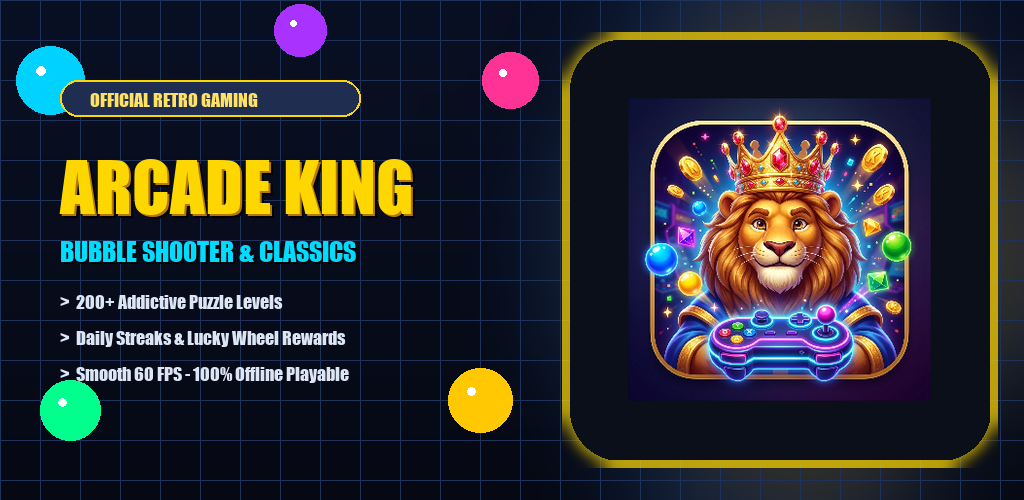
Want to enjoy offline play, native touch vibration, and full-screen immersion on your Android smartphone or tablet? Installing the official Arcade King APK (v1.0.8) takes under 60 seconds.
Step 1: Download the Official APK
Always download directly from our official portal at https://games.omniwiremedia.com/download/Arcade_King_LION.apk to guarantee cryptographic integrity.
Step 2: Allow Unknown Apps in Android Settings
- Once the download completes, tap the notification or open your phone's Files / Downloads folder.
- When prompted that the installation is from an unknown source, tap Settings.
- Toggle on Allow from this source for your browser or file manager.
Step 3: Complete Installation & Launch
Tap Install. Android will verify the package signature and display the Royal Lion King mascot icon on your home screen. Tap to launch and start surviving!